
Kits
Kits save a loadout so you can give it out again without rebuilding it each time. Set up your inventory once, save it as a kit, then claim it yourself or give it to the players who need it.
Each kit is its own .yml in kits/, with categories as subfolders.
The basics
/kit                      # browse and claim
/kit create <name>        # save your inventory as a kit, done
/kit create               # same but through a dialog with the options
/kit edit                 # pick a kit to manage
/kit claim <name> [player]
/kit delete <name>
/kits is the same as /kit, /kit save the same as /kit create, /kit new the same as bare /kit create.
Browsing
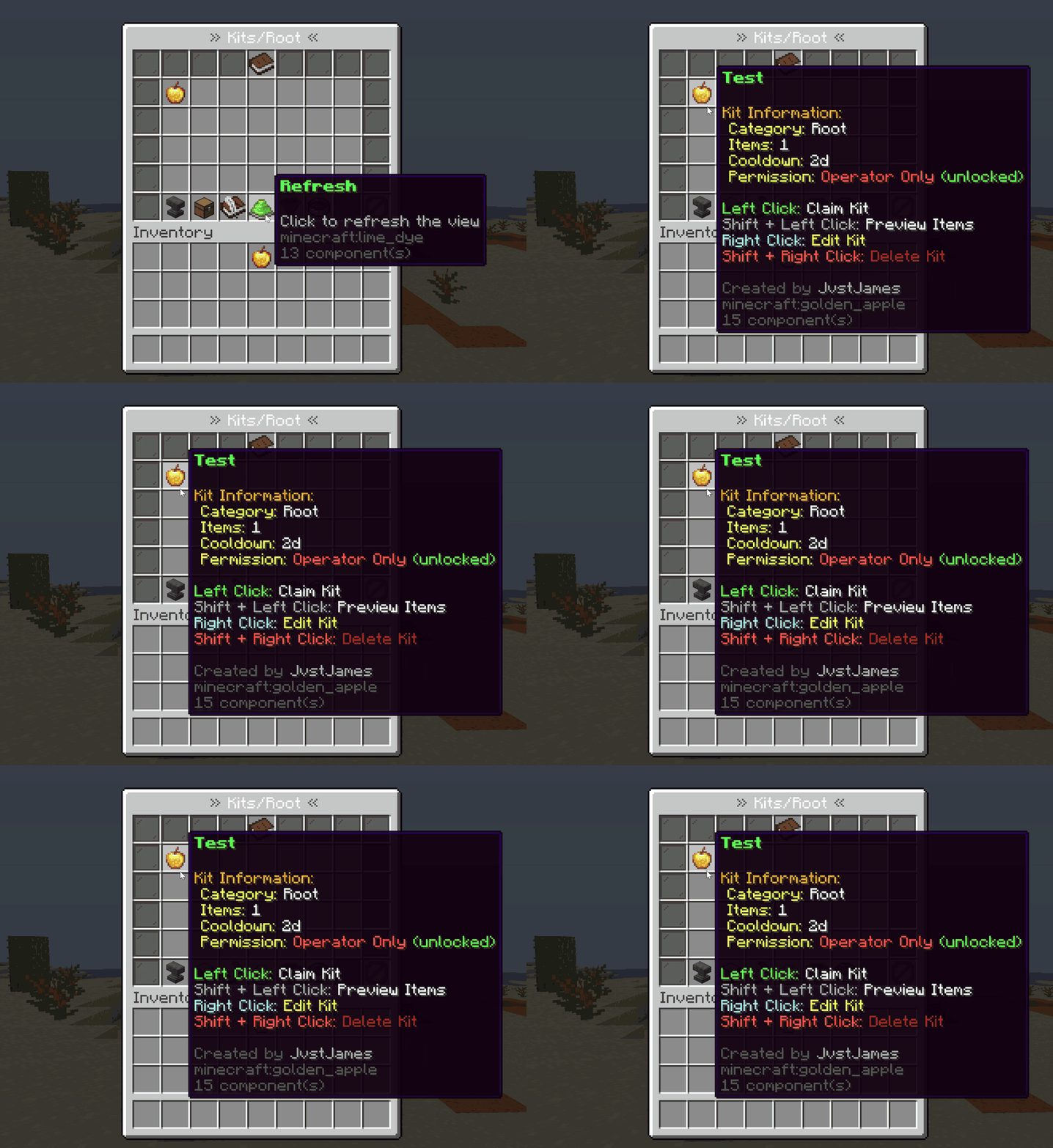
/kit is a chest menu so you can see the kits by their icons. Left-click claims, shift-left previews.
Right-click a kit and everything about it opens in dialogs, the proper in-game menus with text boxes and sliders, not chat prompts. Shift-right-click goes straight to delete.
Management screens use Paper's dialog menus when that API is available. The plugin has fallback menus when it isn't. This check is on the server; it doesn't automatically detect every older client connected through a compatibility plugin.
Managing a kit
Right-click it in /kit, or /kit edit and pick it. Each button is its own dialog:
| Button | What it does |
|---|---|
| Claim | Give it to yourself |
| Rename | Text box |
| Permission | Everyone, ops only, or its own permission node |
| Cooldown | Slider, in seconds |
| Randomization | (Premium) Tier, durability, enchants, amounts. See Random kits |
| Set Icon | Uses whatever you're holding |
| Update Items | Overwrites the kit with your current inventory |
| All Settings | Everything on one form, plus ender chest, death kit and the item grid |
| Delete | Asks first |
In this section
| Page | Covers |
|---|---|
| Making a kit | The create dialog, cooldowns, permissions, ender chest |
| Random kits | (Premium) Tiers, material pools and what varies |
| Categories | Organising the kit menu |
| Death kits | What drops when a player dies |
Config
kit:
  enabled: true
  allow-overwrite: true
  save-experience: true
  skip-ops-on-selector: false
Details on Feature settings.
Importing kits (/kitsconvert)
/kitsconvertPulls kits from EssentialsX, PlayerKits2 and Observer if their folders are still in plugins/. Runs on the first start too unless you turn it off:
kit:
  auto-convert-from-other-plugins: false
What happened goes in logs/kit_conversions.log.
If something looks wrong
/kit remigrateRe-runs the kit storage migration. Back up the kits folder first and only use this when you need to migrate older kit data, not as a general reset button.